
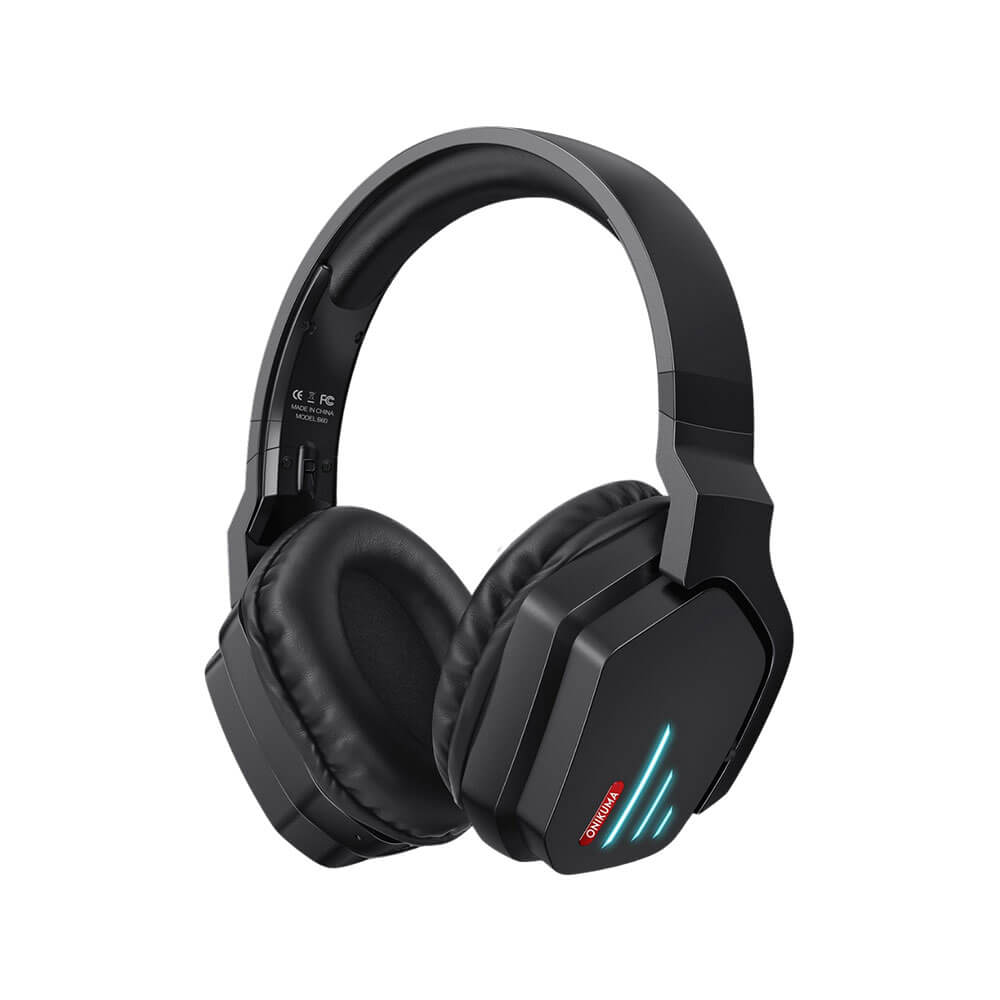
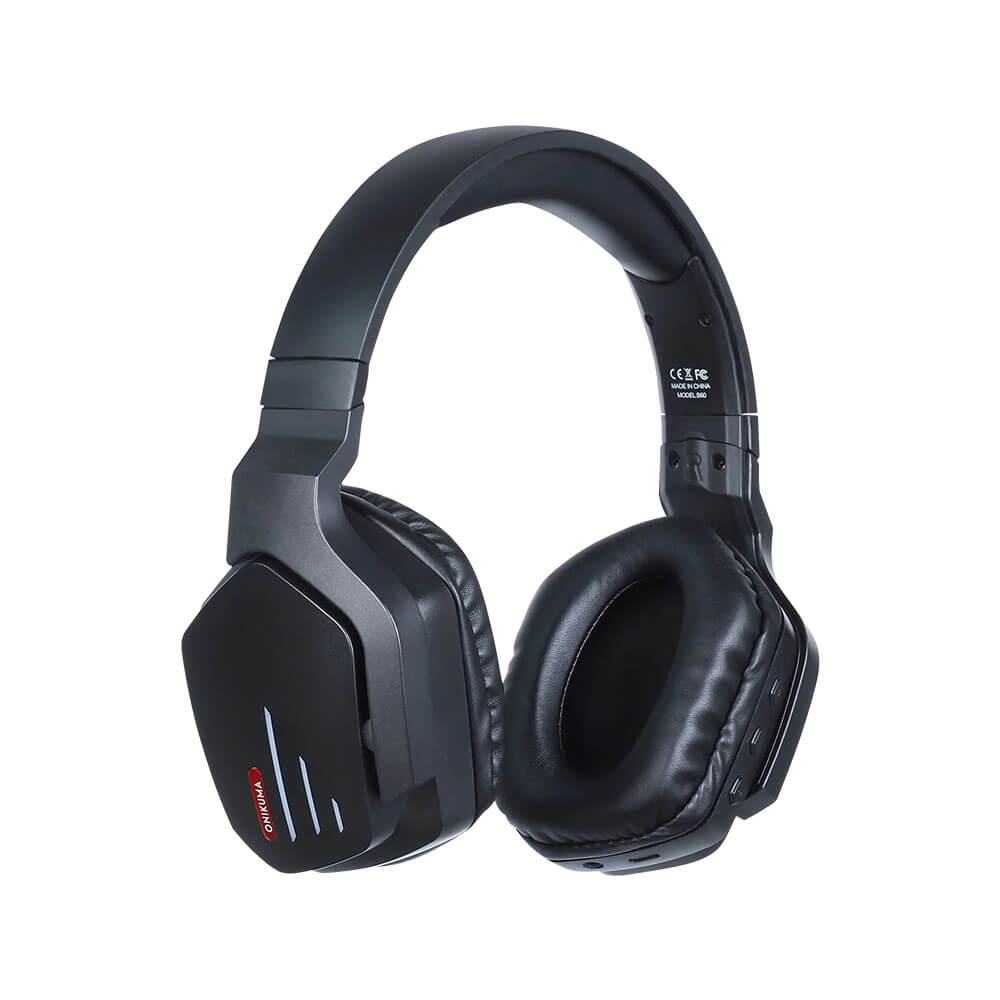
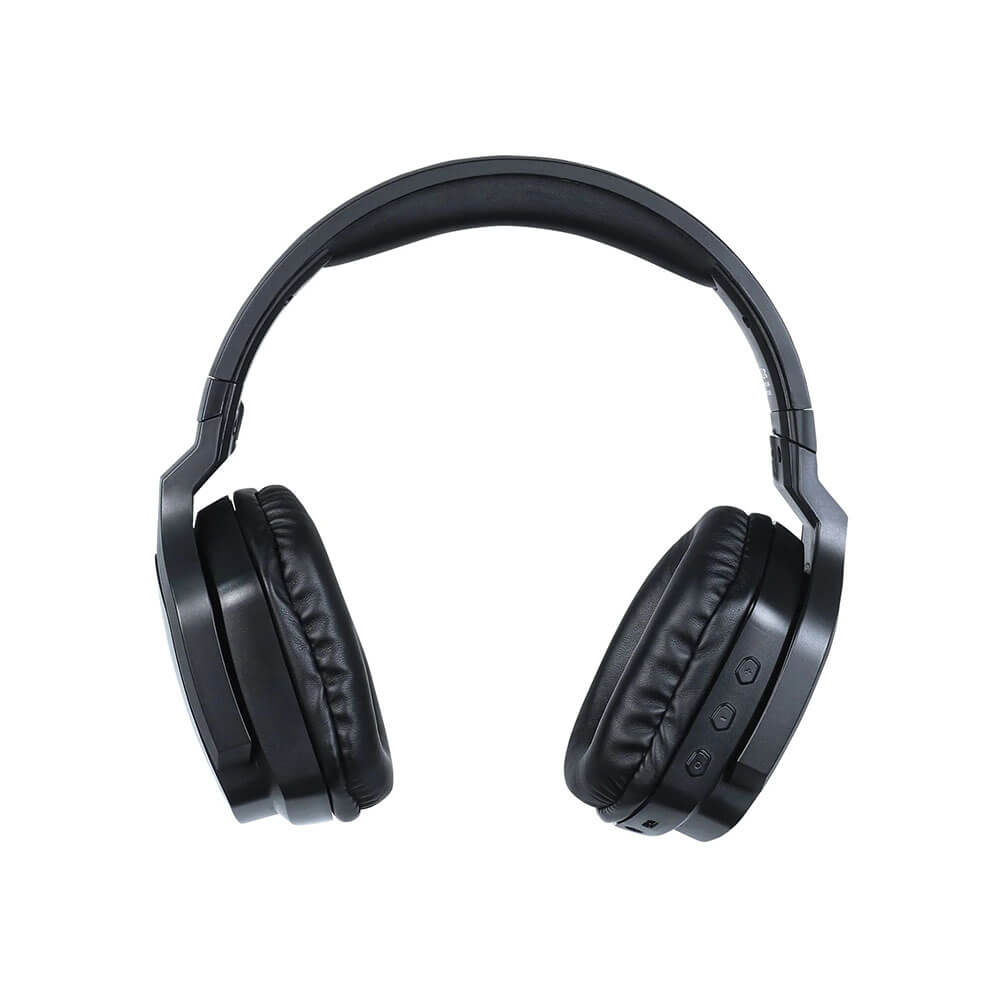
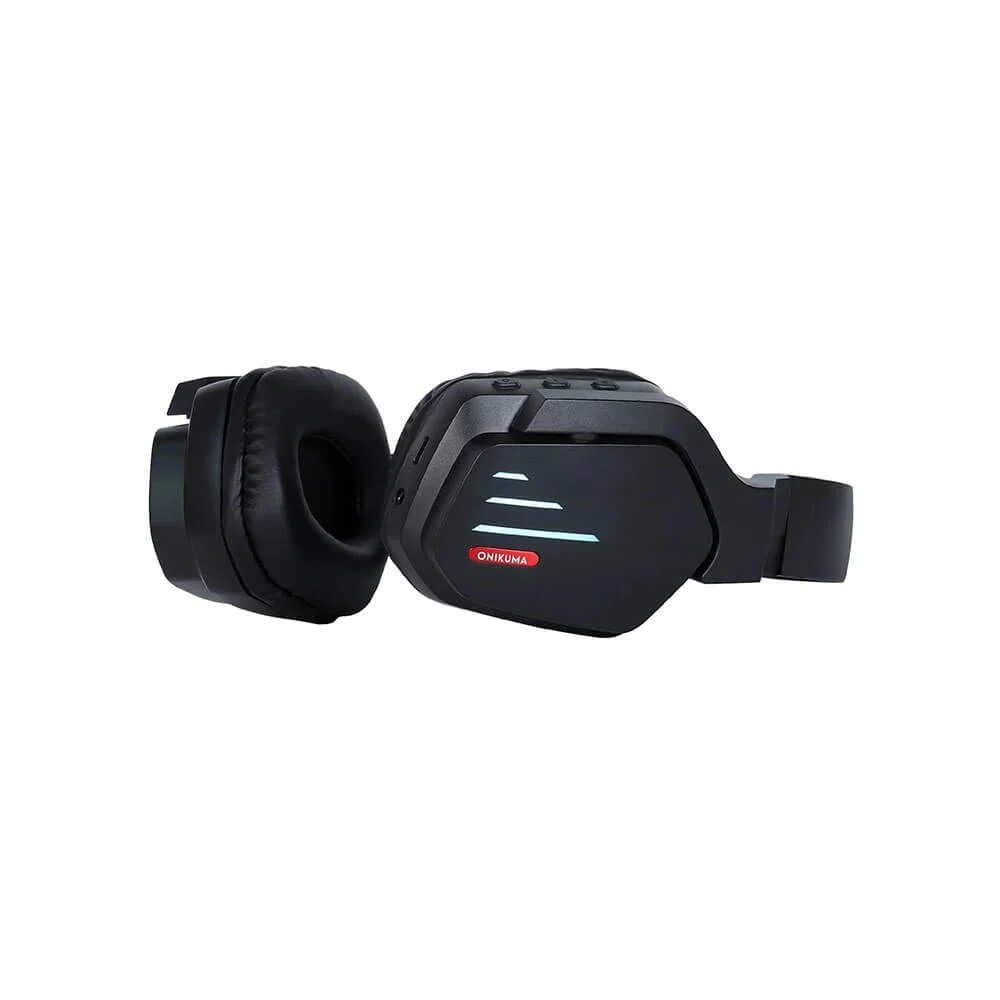
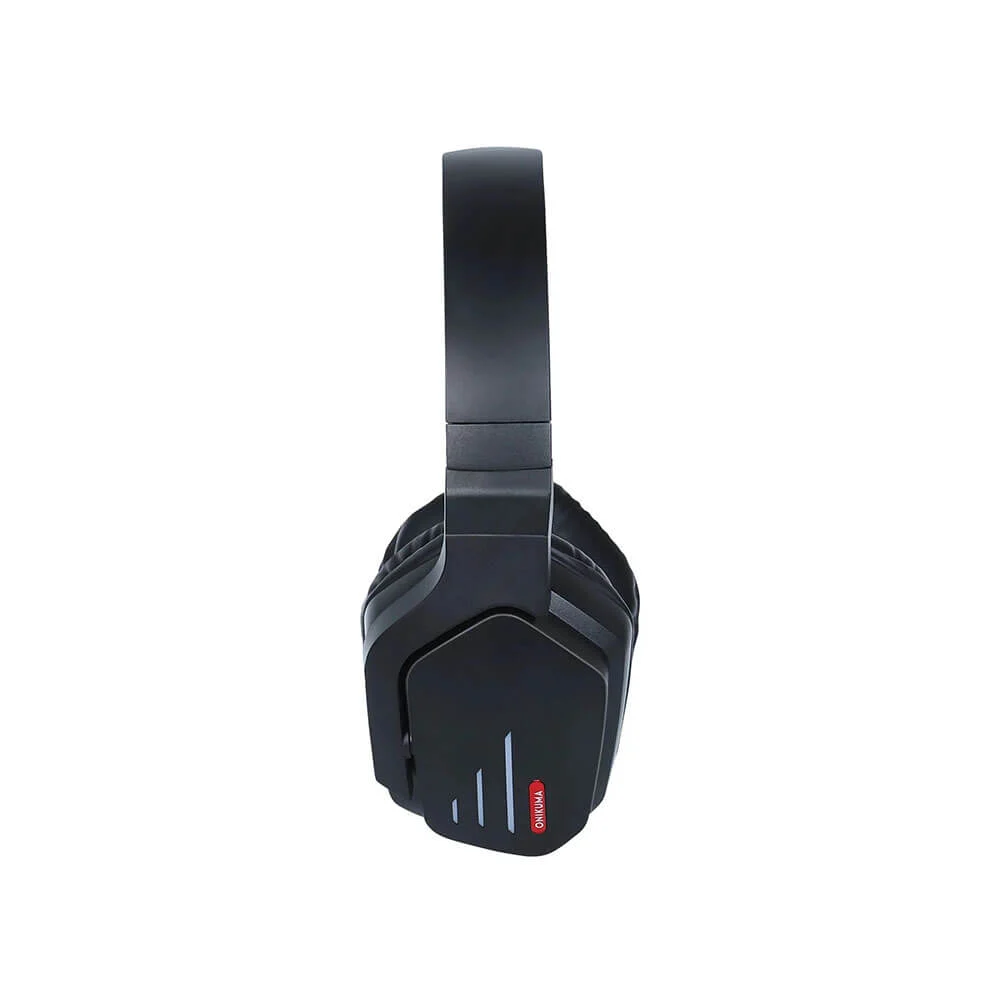
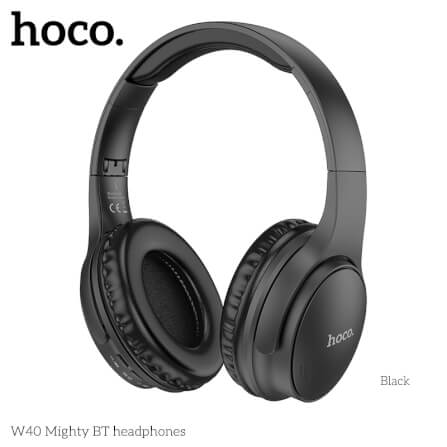
These wireless headphones from Onikuma connect via Bluetooth 5.0 and AUX 3.5 mm. The 40 mm drivers deliver realistic sound and powerful bass. The design is modern yet durable. The adjustable headband suits various head sizes, and the earcups rotate 90 degrees, offering good ventilation to prevent heat buildup and a snug fit for excellent noise isolation. On-ear controls provide easy adjustments. Being wireless eliminates tangled cables and accidental pulls from computers and laptops. Easy to use with a 2-year product warranty.
Features:
Connects via Bluetooth and AUX 3.5 mm.
40 mm drivers.
500 mAh battery capacity.
18 hours of usage time at 50% volume.
Modern and sleek design.
Well-ventilated earcups.
On-ear function controls.
2-year product warranty.
Function Usage:
Power On - Press and hold the "Power" button for 3 seconds.
Power Off - Press and hold the "Power" button for 5 seconds.
Volume Up - Press the "+" button.
Volume Down - Press the "-" button.
Next Song - Press and hold the "+" button.
Previous Song - Press and hold the "-" button.
Play/Pause - Press the "Power" button once.
Answer/Hang Up Call - Press the "Power" button once.
Reject Call - Press and hold the "Power" button for 1.5 seconds.
Voice Command - Press the "Power" button twice.
Restore Settings - Press and hold the "Power" and "+" buttons simultaneously for 3 seconds.
Bluetooth Connection Usage:
Press and hold the "Power" button for 3 seconds to turn on the headphones. The headphone lights will flash alternately between red and blue, indicating they are ready to pair.
Go to the Bluetooth settings on the device you want to connect. Find the device named "B60" and select it to connect.
Once successfully connected, the red and blue flashing lights will change to a single flashing blue light.
The headphones will always remember the last connected device. If you turn off the headphones and then turn them back on, they will automatically connect to the last device.
To clear the pairing history, press and hold the "Power" and "+" buttons simultaneously for 3 seconds.
AUX 3.5 mm Cable Connection Usage:
Simply plug the AUX cable into the headphones and the device you want to connect to. They are ready to use.
Charging:
When the charging cable is plugged into the headphones, the light will turn red while charging. Once fully charged, it will turn blue for 10 seconds and then turn off.
Specifications
Model: ONIKUMA B60
Speaker diameter: 50mm
Impedance: 32ohm±15%
Sensitivity: 116dB±3dB
Frequency: 20-20000Hz
Mic dimension: 6.0 * 2.7mm
Mic sensitivity: -36dB +/- 3dB
Mic impedance: 2.2kohm
Directivity: Omni-directional
LED working voltage: DC5V +/- 5%
Working current: Below 100mA
Headset interface: USB (plug the USB connector, LED light is on, unplug for off) + 3.5mm stereo audio and mic plug
Cable length: Approx. 2.2m/7.22ft
Headphone size: Approx. 22 * 9 * 20cm/8.66* 3.54 * 7.87in
Headphone weight: 380g/13.4oz
Package size: 23.2 * 10.3 * 21cm/9.13 * 4.06 * 8
Package weight: 519g/1.14Lbs
Package Include
1 x Onikuma B60
1 x 3.5 mm line
1 x User Manual
Product Usage
Use to connect with compatible devices.
Product Tips
Thoroughly read the user manual and study the usage instructions before use.
Select the product type that is appropriate for your usage.
Cautions
Avoid storing in excessively hot or cold environments to prolong battery life.
Do not disassemble, modify, or repair the product yourself if you are not skilled.
Beware of drops and impacts. Be careful of sharp objects, as they may damage the product.
Warranty
Warranty period2Year
Normal Product Claim Period: 7-10 days from the date the company receives the product, excluding shipping time.
Warranty Conditions:
Products cannot be claimed if there is no warranty sticker or if the condition is damaged to the point where it cannot be identified.
Products must not be damaged, broken, cracked, bent, dented, warped, split, punctured, or have any missing parts.
Products must not have damage caused by improper use.
Products must not have blemishes such as water stains, rust, moss, burn marks, or broken PCB print patterns, insects, or chemical marker writing on the product.
Products must not show signs of modification, alteration, tampering, or damage caused by self-repair.
Products must not be damaged by external factors such as power outages, overvoltage, lightning strikes, or natural disasters.
In the case of products found to have problems from normal use within 7 days (from the date of receipt), provided that the product is in perfect condition.
The company is happy to replace it with a new one immediately. Customers must return the product with all accessories in the box, along with the receipt or order number every time.
In the event that a new product cannot be provided to replace the claimed item:
The company will refund the full product price, minus a depreciation percentage based on the remaining warranty period.
For example, a product priced at 10,000 baht with 12 months remaining warranty out of 24 months, the company will refund 5,000 baht.
| Driver | |
| ANC | |
| Battery | |
| Connectivity | |
| Codec | |
| Microphones | |
| App | |
| Weight |
 NEW
NEW
 NEW
NEW
 NEW
NEW
 NEW
NEW
SIGN UP FOR OUR NEWSLETTER & PROMOTIONS!
ON YOUR NEXT PURCHASE